
How do I issue membership cards and renew them every year?
A membership card is a pass with the member number as its ID, created and renewed from your member list. You import the list as CSV, and the card shows name, number and validity. The yearly renewal is one more CSV upload that updates every card in place.
Requirements
- A member list as CSV with one row per member and a stable member number
- Your own Apple certificate. Nonprofit accounts can use the certificate that Passcreator provides
- For nonprofits, the nonprofit programme with 500 active registrations per month free of charge. Apply for it under
Subscription › Additional services
Steps
Prepare the template
- Create the template with the pass type Generic or Store Card and add fields for name, member number and membership tier as additional properties.
- Open
Settings › User Provided Idsand set the source to Pattern with your member number, or to Ask for ID when creating a pass. Switch on Enforce Unique IDs. Later updates find the card by this ID. - Under Validity, switch on Expiration date different for each pass so every card carries its own end of membership. Show it with the placeholder
{expirationDateDay}. - For a member photo, use the thumbnail slot and provide the picture per pass. It works on Apple Wallet and Google Wallet.
- Save and publish.
Import the members
- Go to
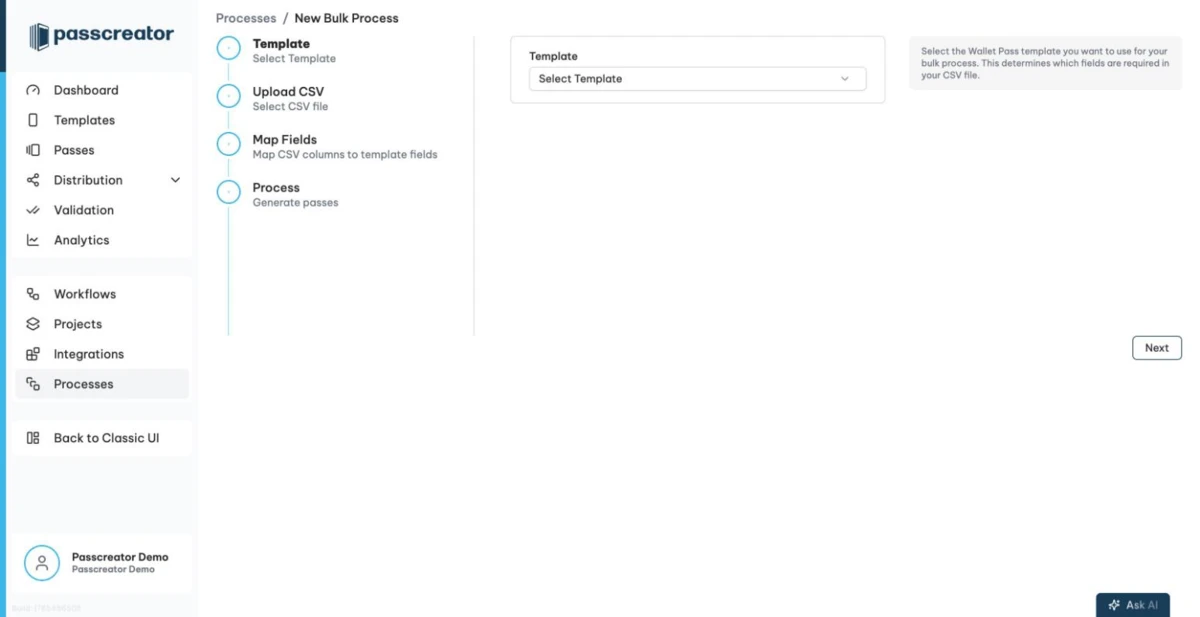
Passes › Bulk Processing, choose the template and download the CSV template. - Fill one row per member with the member number as the user provided ID, the fields of the card and the expiration date. Keep the header row.
- Upload the file with the job type CREATE. Large lists can take hours. The job runs in the background, and you find it under Processes.
- Send the cards with a sendout, or hand out the download links from your own system.
Renew every year
- Export the renewed members from your system with the same member numbers and the new expiration dates.
- Upload the CSV with the job type UPDATE or UPDATE_OR_INSERT. Passcreator updates existing cards in place, and new members get a new card.
- Send a push notification to the template, or to a segment such as "expires this month", to tell members about the renewal.
How to check it worked
- The card of a test member shows name, number and the expiration date from the CSV.
- After the renewal upload, the same card shows the new date without a new download.
- Under Analytics, active registrations grow with the members who saved the card.
If it does not work
Checked 2026-09-11 · Documentation