At WWDC 2026, Apple unveiled the most comprehensive design update for Wallet Passes in years. New layouts give brands significantly more creative freedom, and with Featured Actions, clickable actions are now visible directly on the front of the pass for the first time. Added to this are the new Apple Pass Designer and Tap to Share. Here’s everything you need to know.
What did Apple announce at WWDC 2026?
In the session “What’s New in Wallet,” Apple introduced a series of innovations for Wallet Passes that fundamentally change both the appearance and functionality of passes.
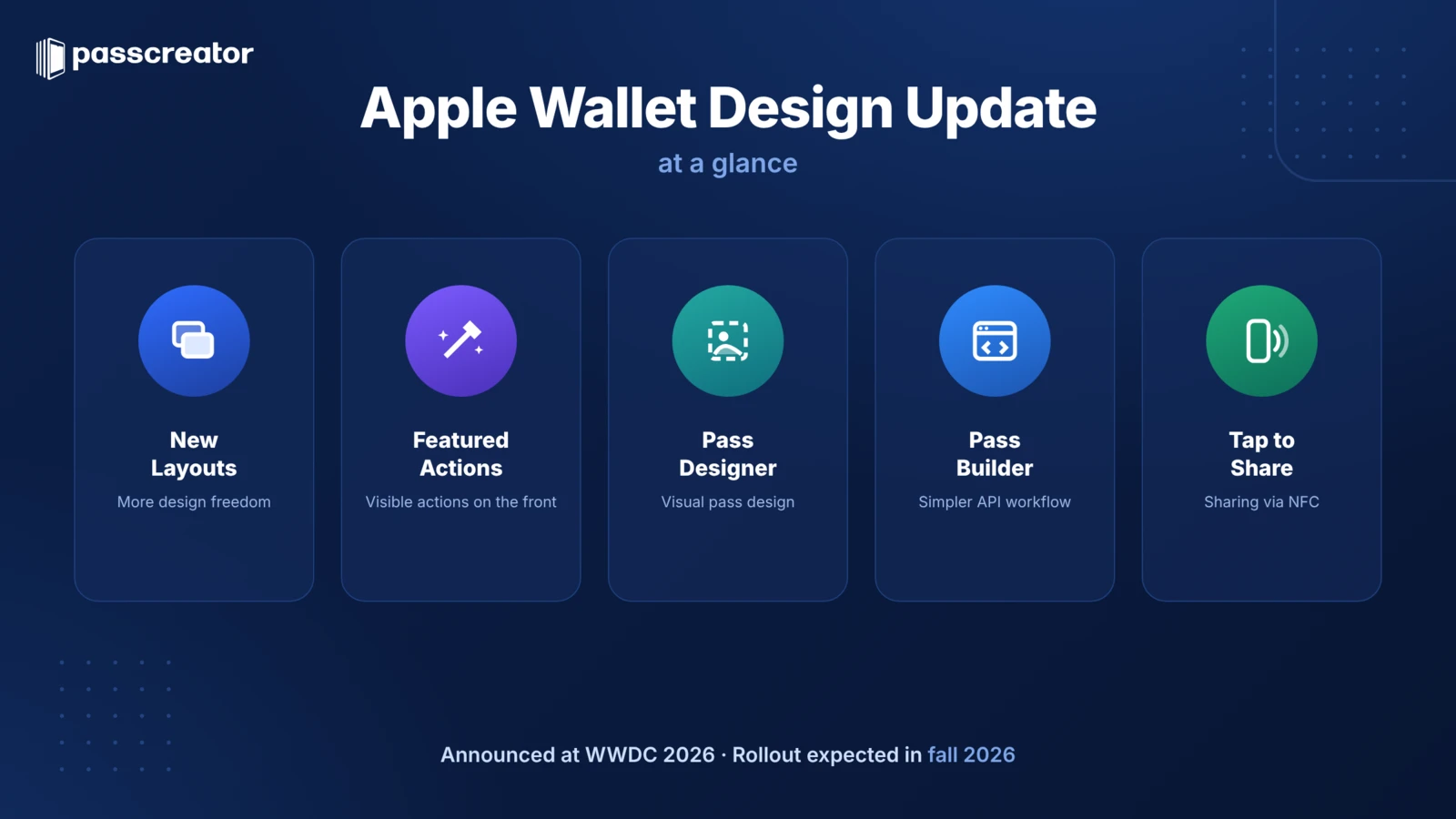
The most important updates at a glance:
- New layouts and design styles: Passes get significantly more visual flexibility with so-called “Rich Styles”
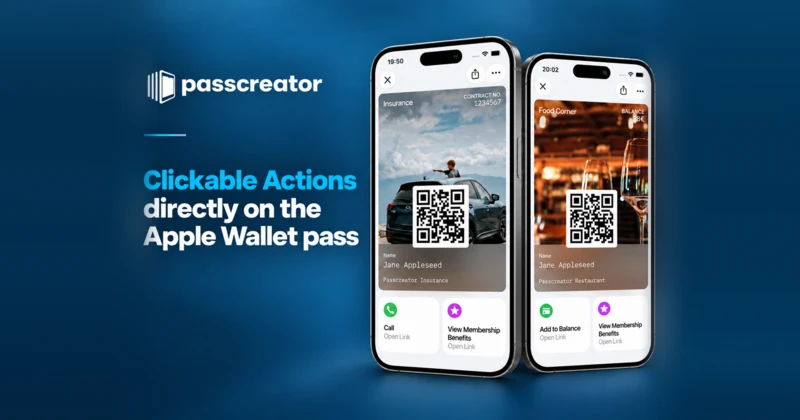
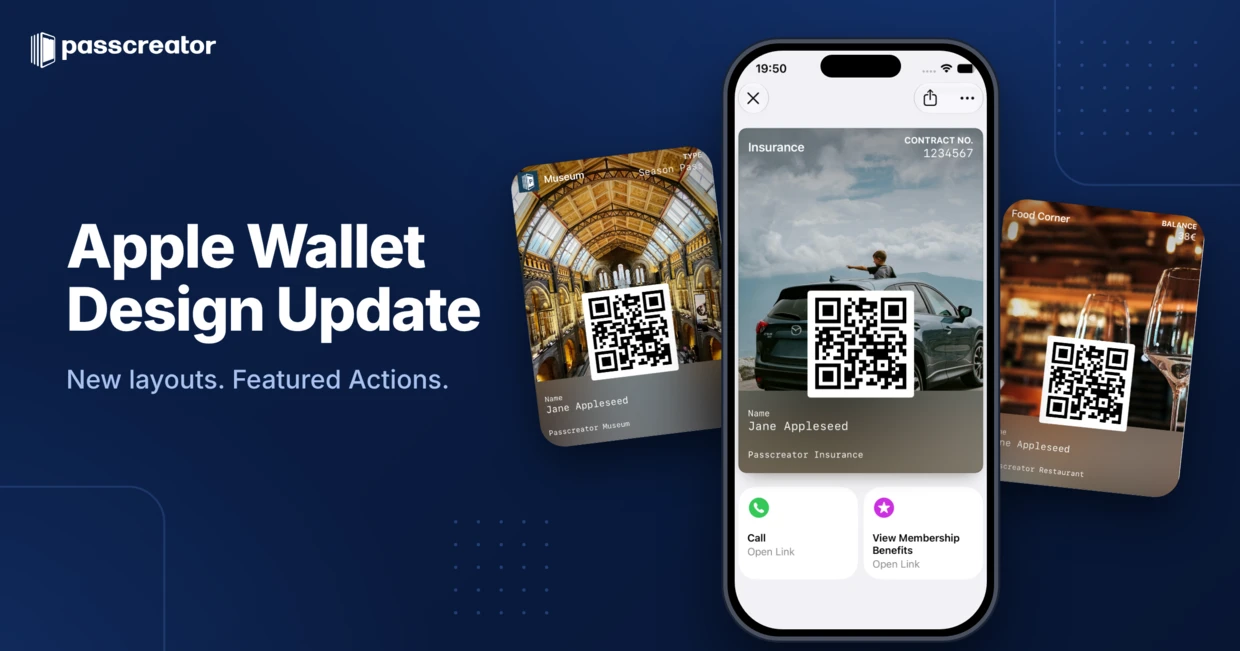
- Featured Actions: Clickable actions directly on the front of the pass
- Pass Designer: A new app from Apple for visually designing Passes
- Pass Builder: Simplifies the programmatic creation of Passes
- Tap to Share: Wallet passes can be easily shared with a tap
For companies and brands already using Apple Wallet passes today, the first two points are particularly relevant. They change how customers perceive and interact with the pass.
New Layouts: This is what Apple Wallet passes will look like starting in September 2026
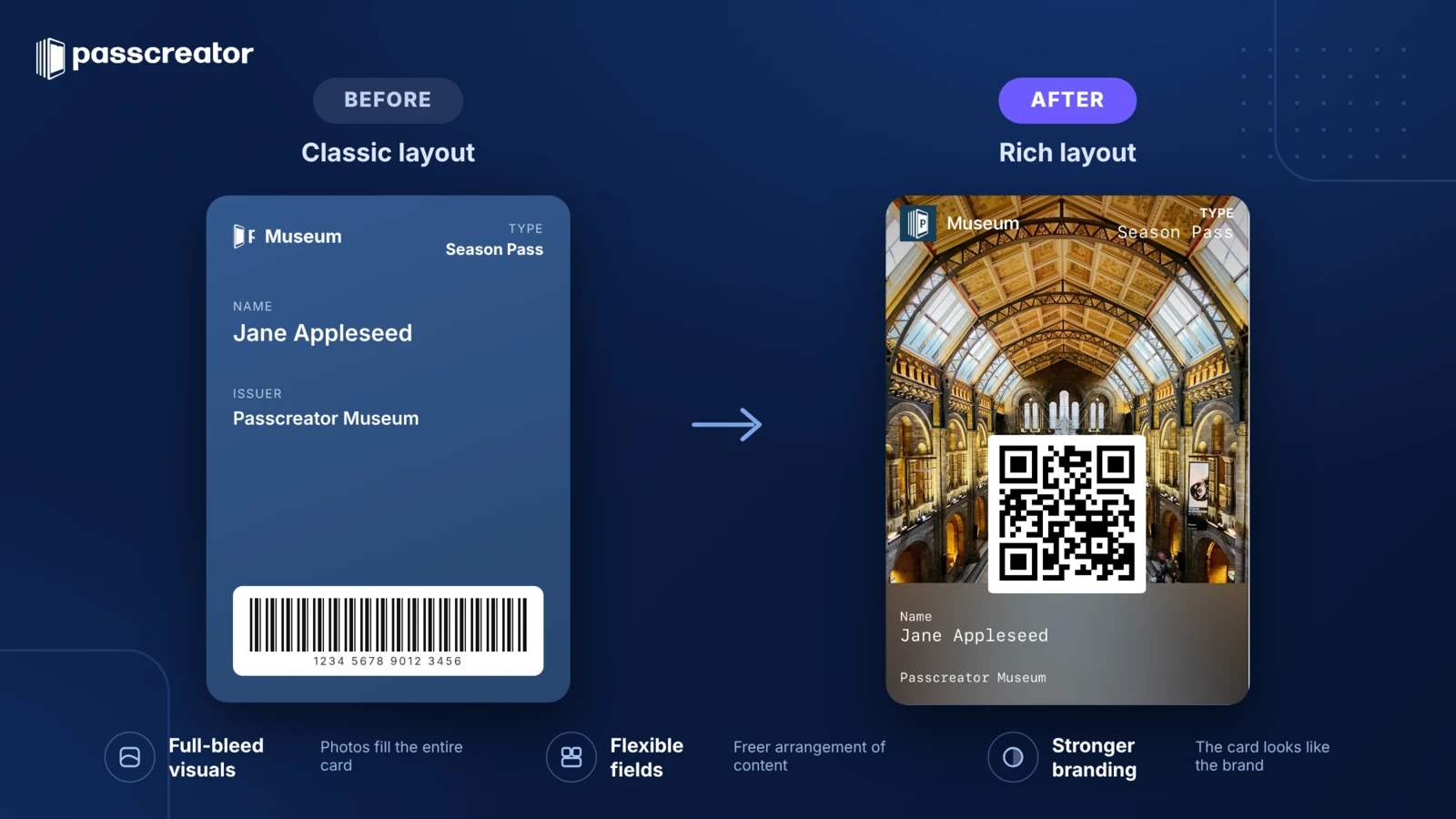
The Apple Wallet Design Update brings a fundamental overhaul of Pass layouts. Currently, design options are very limited—colors, a logo, a background image, and a fixed field layout. The new Rich Styles change that, and the new layout will be rolled out in September 2026 with the release of iOS 27.
What's new?
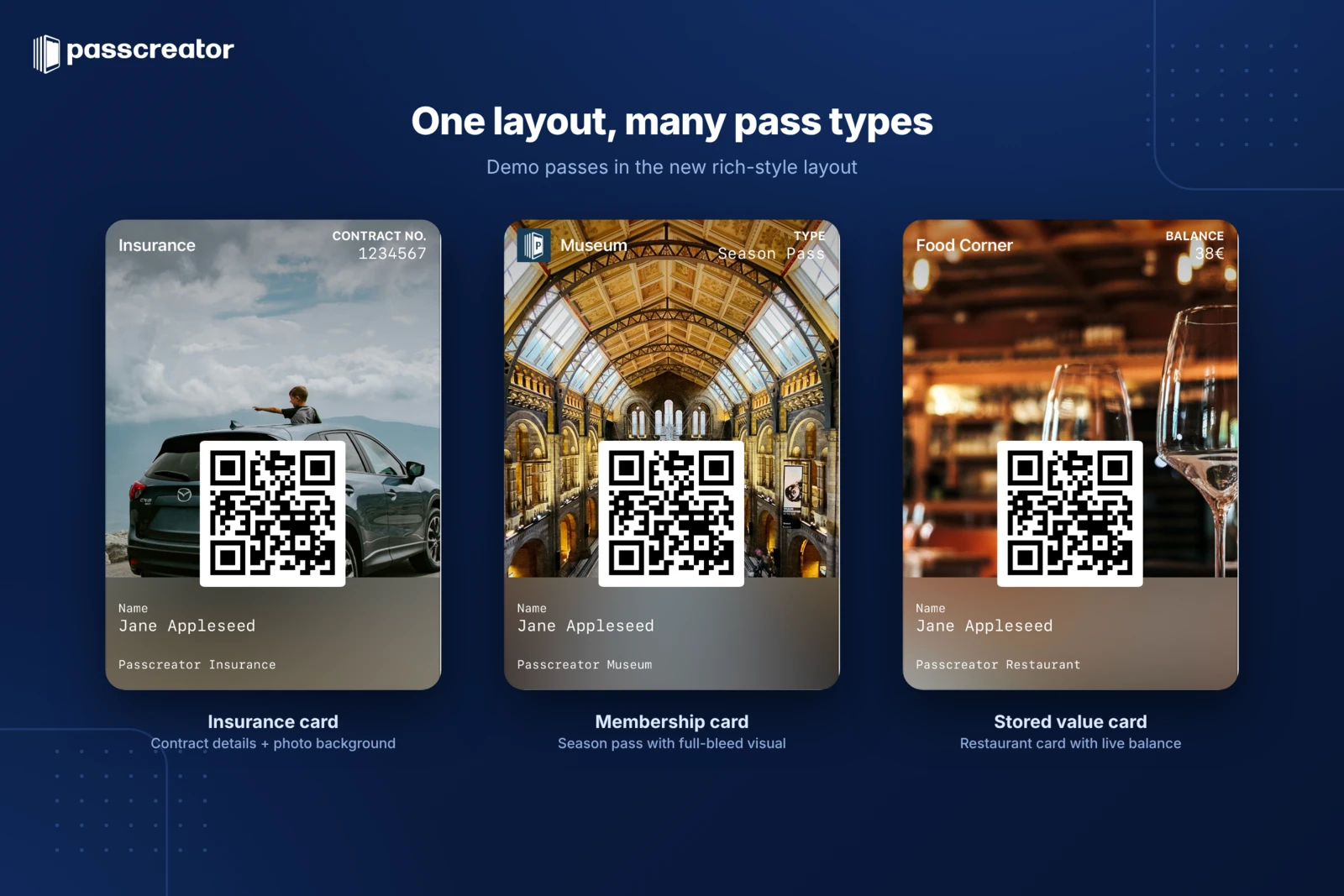
- More space for brand design: The new layouts give Passes significantly more space so that the digital pass looks like the brand, not like a technical placeholder. Companies can design their passes so that customers recognize them immediately.
- Full-screen background images: Illustrations and photos now cover the entire pass area. This enables visually appealing designs that were previously impossible.
- More visually appealing field layout: While the positioning of text, barcodes, and information becomes less flexible, it is significantly more visually appealing.
Why is this important?
For companies that issue digital loyalty cards, membership cards, or tickets via Apple Wallet, the design has been a compromise until now. The pass worked, but rarely looked the way the brand intended. With the new layouts, the Wallet pass becomes a true brand touchpoint.
Featured Actions: The Biggest Update for Everyday Use
If there’s one feature that stands out in the Apple Wallet design update, it’s Featured Actions. They solve one of the oldest problems with Wallet passes.
The problem so far
Until now, the front of a Wallet pass essentially showed the barcode, a few text fields, and the logo. Everything else—links, additional information, further actions—was hidden on the back of the pass.
The problem: Most users don’t even know there’s a back side. They open the pass, scan the barcode, and that’s it. The useful content on the back remains invisible. We’ve been hearing this feedback from customers at Passcreator for years.
The Solution: Visible Actions on the Front Page
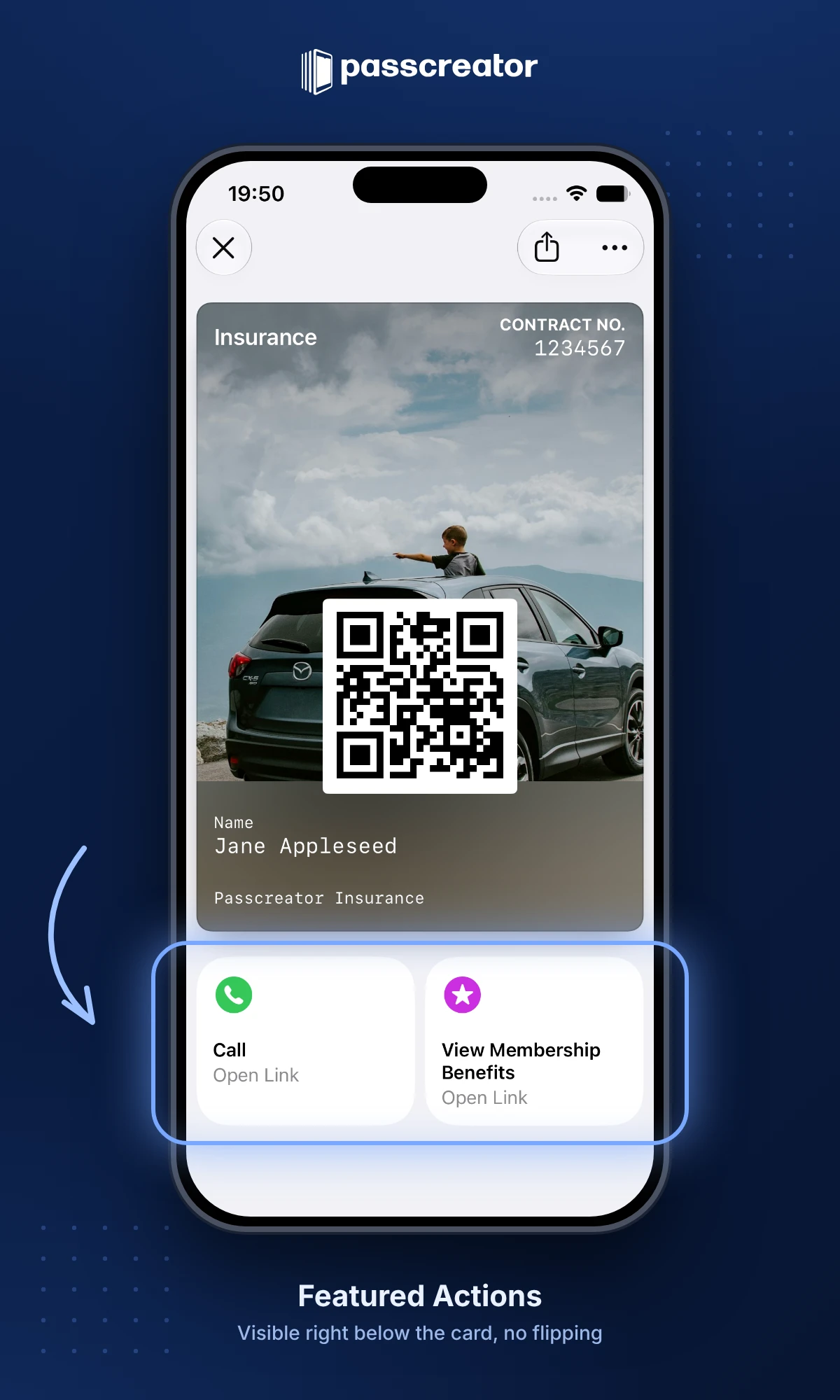
With Featured Actions, Apple now displays clickable buttons directly below the map—exactly where users’ attention is focused anyway. Each action has an icon, a title, and a clear description of what happens when you tap it.
The actions can have different purposes:
- Open Link: Takes the user directly to a website
- Open in Maps: Displays a location in Apple Maps
- Open website: Links to additional information
Specific use cases
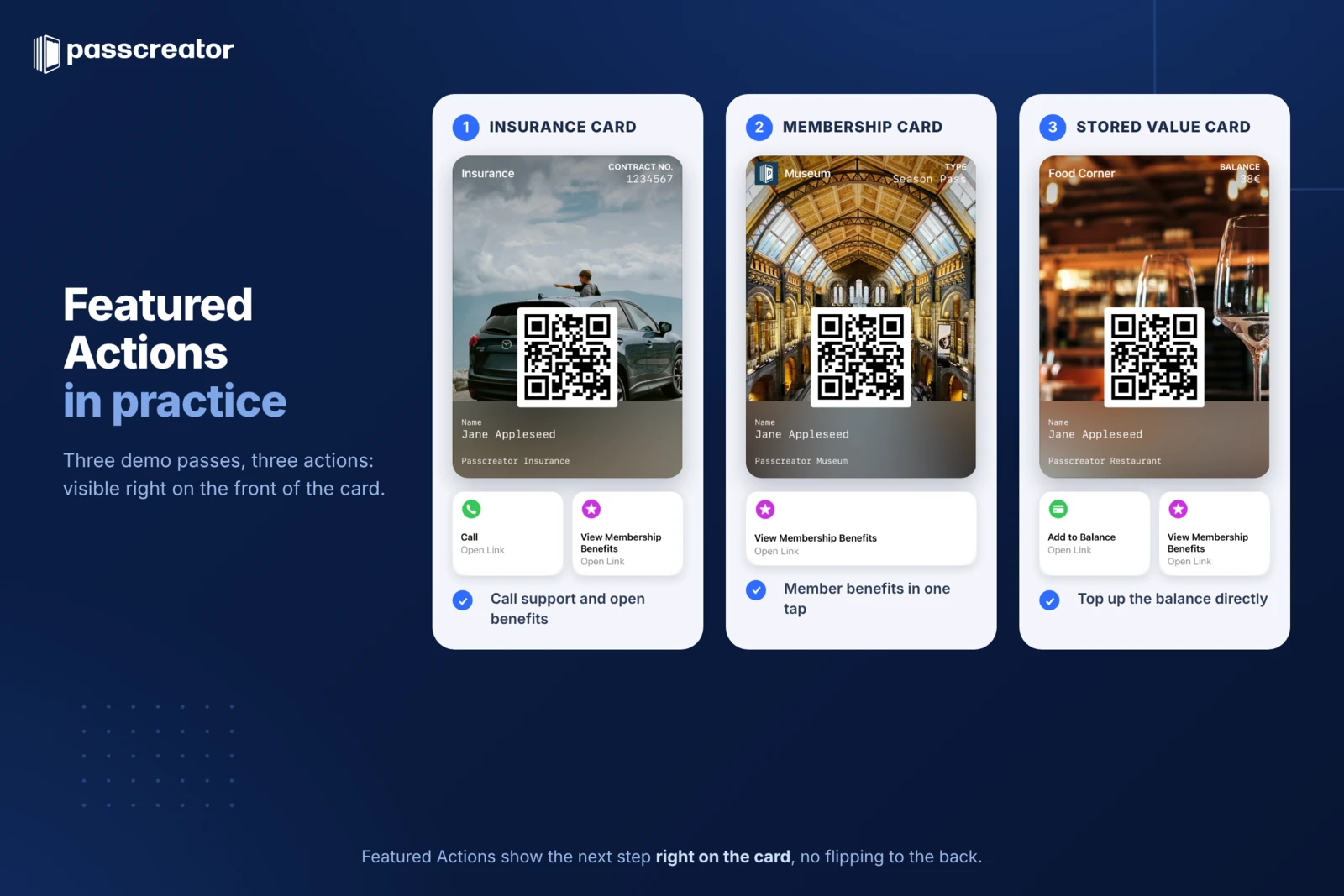
Featured Actions make Wallet passes significantly more useful for various use cases:
| Card type | Featured Action | Result |
|---|---|---|
| Membership Card | "View Benefits" | Direct link to member benefits |
| Digital Stamp Card | “Current Offers” | Link to current promotions and discounts |
| Event ticket | "View Schedule" | Opens the event program |
| Event Ticket | "Listen to music" | Links to a playlist or the artist |
| Insurance Card | "Contact Support" | Direct access to help and documents |
| City Pass | “Show location” | Opens the nearest attraction in Maps |
| Gift Card | "Redeem credit" | Link to the online store |
The key point: The promotions are immediately visible. No flipping pages, no searching. What was previously hidden on the back is now the natural next step after opening the pass.
Apple Pass Designer: Design passes visually
With Pass Designer, Apple is introducing a new app that allows developers to visually design Wallet Passes without having to manually implement every design step in the code. We will develop an import function for this in Passcreator.
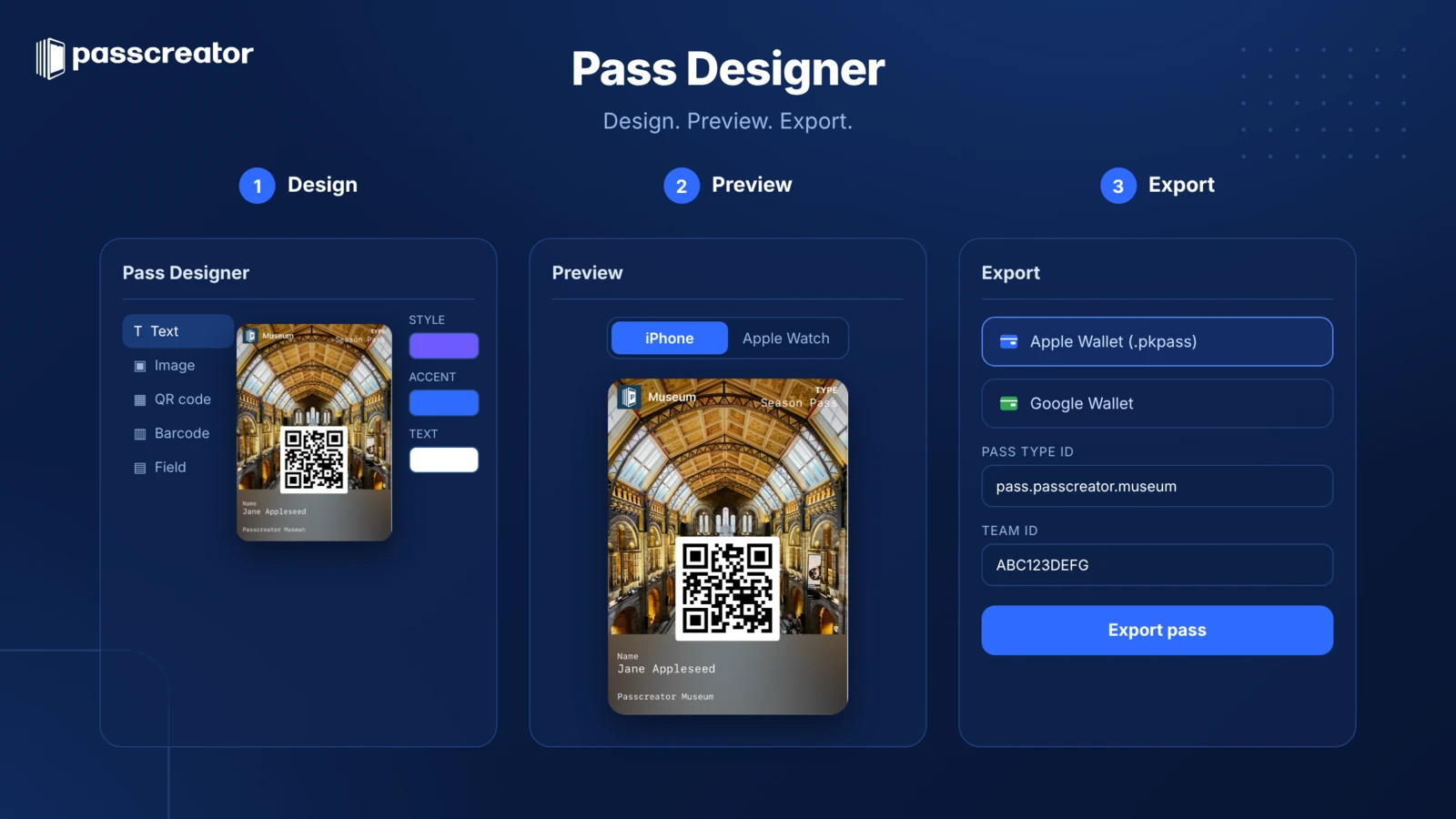
For teams that create and maintain Passes programmatically, this is a significant simplification. Combined with the Pass Builder, a new API layer for Pass creation, the development process becomes more streamlined.
For most companies that don’t develop wallet passes themselves but create them via a platform like Passcreator, the process remains just as simple. The new design options are integrated directly into our platform.
Tap to Share: Easily share Wallet passes
Tap to Share is a new feature that works exclusively in conjunction with payment apps and Tap to Pay on iPhone.
Tap to Share allows merchants to securely connect their iPhone to a customer’s device to enhance the checkout experience. All the merchant needs is an iPhone and a supported payment app with Tap to Pay on iPhone.
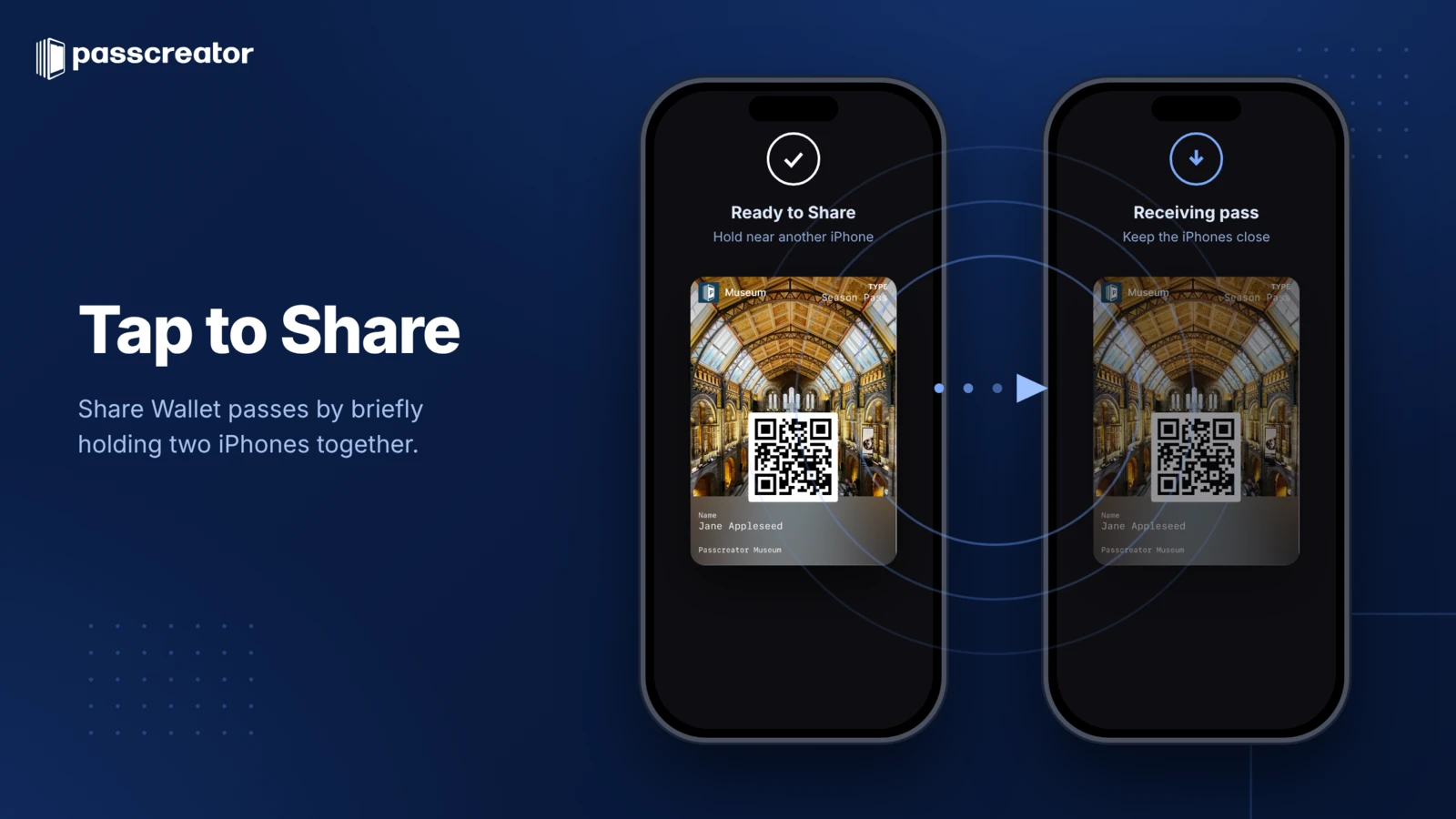
What Tap to Share Can Do
- Collect customer data at the point of sale: Tap to Share allows merchants to request the necessary customer data directly at the point of sale. Customers share only what they want: contact information, a shipping address, or an email address for a digital receipt.
- Issue and scan Wallet passes: With Tap to Share, businesses can enroll customers in membership or loyalty programs directly on their iPhone and accept their passes at checkout. Customers can also securely add their passes to their Wallet.
- View shopping cart and pay with Apple Pay: Tap to Share gives customers a complete overview of their purchase: shopping cart, discounts, and sale prices are displayed directly on their own device. To pay, customers using an iPhone can be prompted to complete a full or partial payment with Apple Pay.
What does the Apple Wallet design update mean for businesses?
In summary, this update fundamentally changes two things:
1. Brand perception
Wallet passes are evolving from functional tools into visual brand experiences. Businesses that have previously struggled with the limited design now finally have the flexibility they need.
2. User interaction
Featured Actions solve the biggest usability problem of recent years. Customers immediately see what they can do with the pass...and actually do it. This measurably increases engagement, repeat purchases, and the use of loyalty programs.
For companies that already use Wallet passes, it’s worth updating their existing passes to take full advantage of the new features. For companies that don’t yet have a Wallet strategy, now is the right time to develop one.
When will the new Apple Wallet designs be available?
The new features were announced at WWDC 2026 and are currently available in the developer beta. The public rollout is expected in fall 2026 with the release of the final software version.
For a broader overview of all Wallet updates in the current software generation, check out our article Apple Wallet in iOS 26: What You Need to Know.
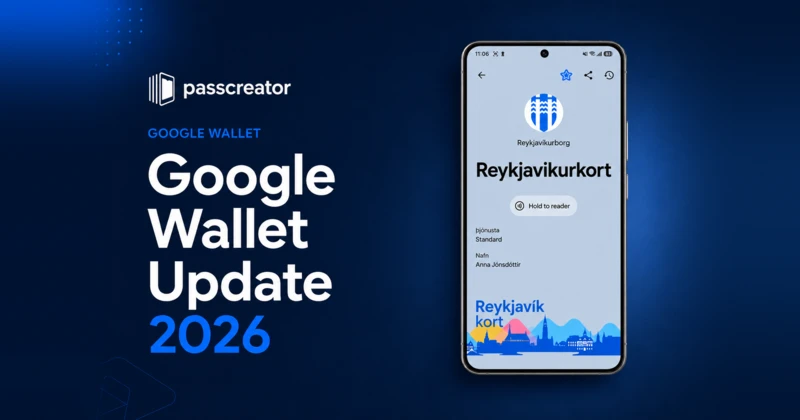
By the way: Google has also recently unveiled a comprehensive redesign for Google Wallet. You can find a comparison and all the details in our article on the Google Wallet Redesign 2026.
How Passcreator supports the new features
We’re already working on integrating the new design options and Featured Actions into Passcreator. As soon as the features are ready for production, our customers can use them right away—without any development work on their part.
Would you like to be notified as soon as the new layouts and Featured Actions are available in Passcreator?
Sign up for our newsletter or speak directly with our team.
Summary
| Feature | What it offers |
|---|---|
| New Layouts & Rich Styles | More brand freedom, full-width designs, more flexible fields |
| Featured Actions | Visible buttons on the front of the pass — the biggest UX win |
| Pass Designer | Apple’s visual design app for developers |
| Pass Builder | Simplified API for Pass creation |
| Tap to Share | Share Wallet passes more easily via NFC |
The Apple Wallet Design Update is the biggest update for Wallet Passes in years. The combination of improved designs and visible actions transforms Wallet passes from passive barcode carriers into active customer touchpoints. For businesses that rely on digital passes, this is a real opportunity.