Create Samsung Wallet Cards for Businesses
Centrally manage digital cards for compatible Galaxy devices with Passcreator
Create digital cards for compatible Samsung Galaxy devices and manage Samsung Wallet centrally in Passcreator alongside Apple Wallet and Google Wallet. Samsung Wallet integration is currently being rolled out on a project-by-project basis. We’ll work with you to determine the appropriate card type and requirements for your project.

Why Samsung Wallet Is Relevant for Businesses
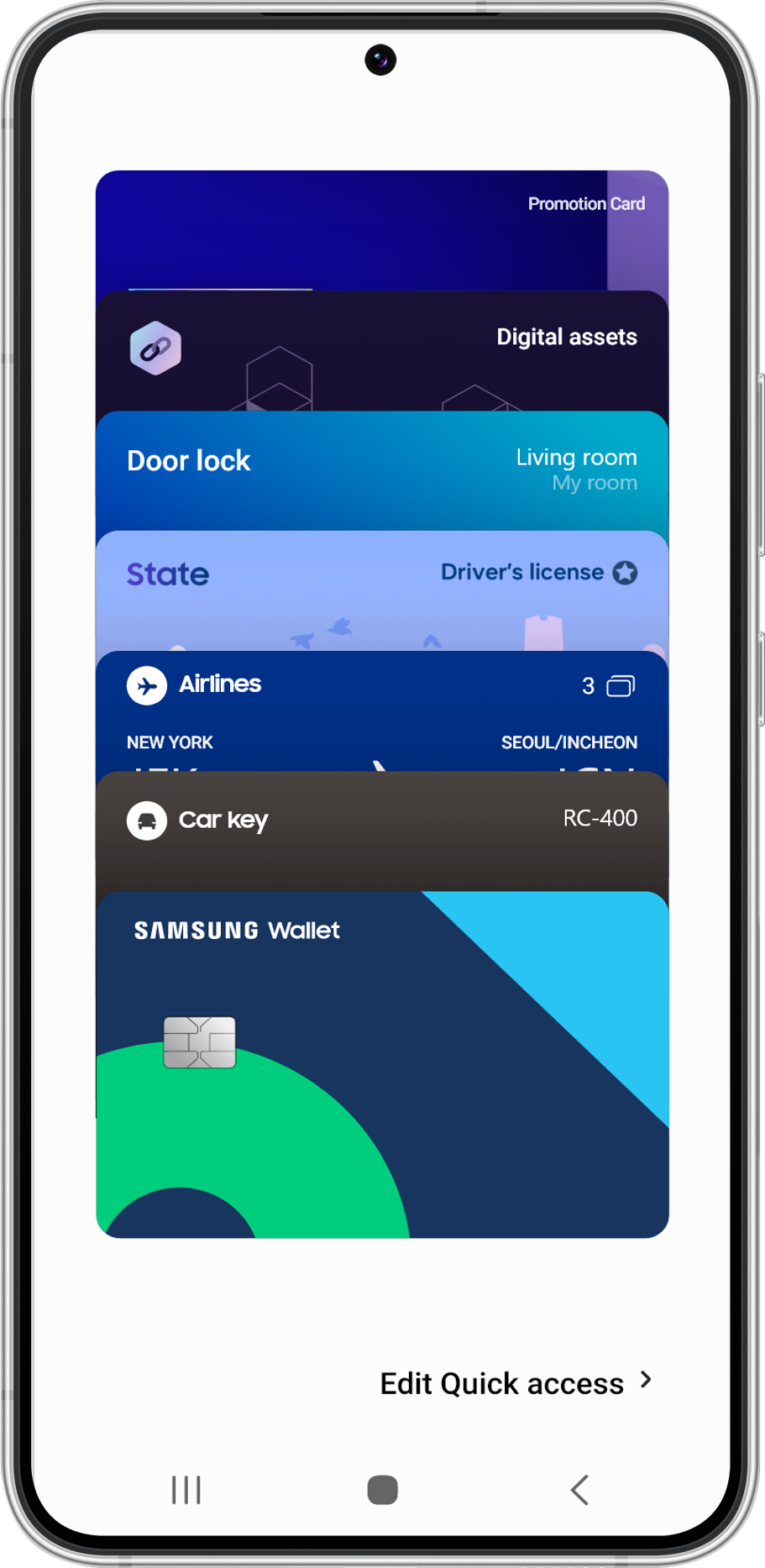
Samsung Wallet expands your wallet strategy to include compatible Galaxy devices. Customers can store their cards directly within their smartphone’s wallet environment, where they’re quickly accessible without needing a separate customer app. With Passcreator, you can integrate this additional channel into your existing multi-wallet infrastructure.
For your business, this means: additional device coverage, quick access to digital cards, and consistent delivery across multiple wallet platforms.
Add and Keep Your Samsung Wallet Cards Up to Date
Users can add cards via an “Add to Samsung Wallet” button on mobile websites or in emails, as well as via a QR code. This allows digital cards to be imported directly into Samsung Wallet from existing booking, purchase, or registration processes.
Once issued, you can manage the cards centrally in Passcreator and keep information such as point balances, expiration dates, event details, or offer details up to date.
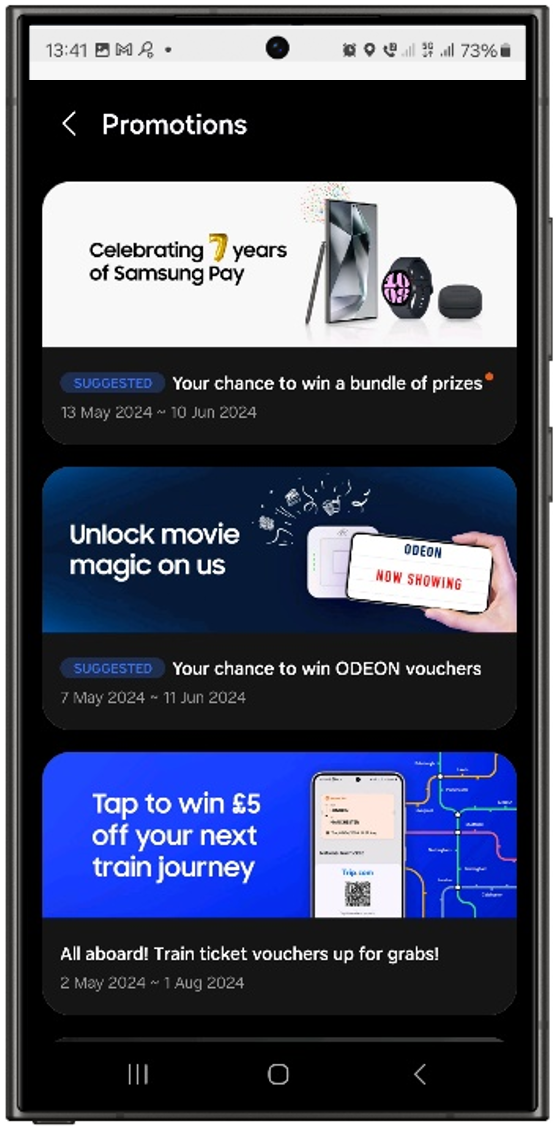
Depending on the card type and enabled integrations, you can also include relevant notes, additional promotions, barcodes, dynamic QR codes, or NFC features. Notifications are one possible addition—but they’re not the only benefit of the Wallet card.
Samsung Wallet Cards for Customer Loyalty, Offers, Tickets, and Memberships
Whether it’s customer loyalty programs, gift cards, tickets, travel information, or membership details: Samsung Wallet supports a variety of use cases right on the smartphone. For example, companies can digitally provide offers, admission passes, status updates, or membership information.
The appropriate content depends on the specific use case—such as the issuance process, customer interaction, and on-site usage. Passcreator will work with you to plan the right card type and technical implementation as part of the Samsung approval process.
Flexible Samsung Wallet Card Layouts for Various Use Cases
Passcreator supports various card formats. The specific formats and features that implements for your project depend on the use case and Samsung’s approval.
Overview of Supported Card Formats
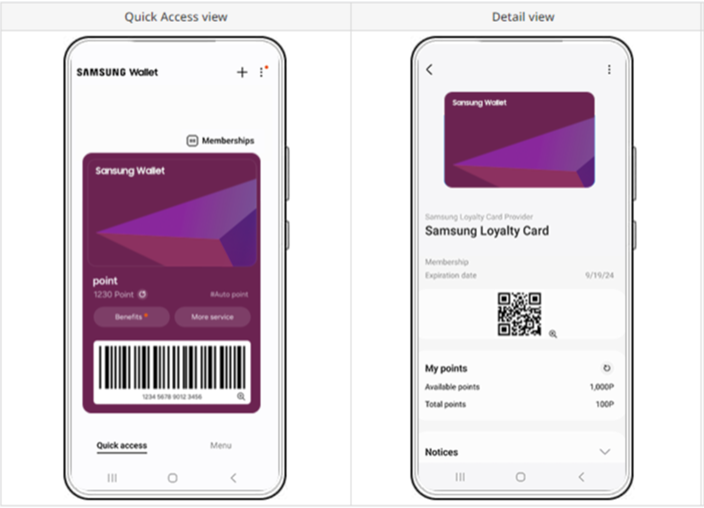
- Loyalty and membership cards: For customer programs, membership status, points, and personalized information.
- Gift cards: For balances, validity periods, and other information about the gift or prepaid offer.
- Vouchers and coupons: For promotions with offer details, terms and conditions, and expiration dates.
- Event tickets: For event information as well as a barcode or QR code for admission—depending on the integration.
- Boarding passes and travel cards: For travel, booking, and reservation information.
- Generic cards: For flexible use cases that do not correspond to any standardized card format.
Design in accordance with Samsung guidelines
Depending on the card type, logos, images, text, and additional data fields can be designed to match your brand and use case. Passcreator helps you present relevant information clearly and comply with Samsung guidelines.
Samsung Wallet is the wallet app for compatible Galaxy devices.
Depending on the device, region, and software version, users can store and manage loyalty cards, tickets, coupons, gift cards, and membership cards, among other things. With Passcreator, businesses can create and centrally manage compatible wallet cards.
For businesses, Samsung Wallet adds another relevant wallet channel to their digital customer engagement strategy. Cards remain readily accessible on the smartphone, can contain up-to-date information, and—depending on the use case—reduce the need for physical cards or printed tickets.
Centrally Manage Apple Wallet, Google Wallet, and Samsung Wallet
With Passcreator, you can centrally manage templates, content, distribution, and analytics for Apple Wallet, Google Wallet, and Samsung Wallet. Passcreator detects the smartphone being used and provides the appropriate card version. The features available depend on the wallet provider, card type, and specific project.
Comparing Samsung Wallet, Google Wallet, and Apple Wallet
| Criterion | Samsung Wallet | Google Wallet | Apple Wallet |
|---|---|---|---|
| Devices & Platform | Compatible Samsung Galaxy devices in supported regions | Compatible Android devices | iPhone and Apple Watch |
| Technical Implementation | Samsung Wallet Cards API with Samsung authorization | Google Wallet API with issuer account and card classes | Signed .pkpass file with Apple certificates |
| Updates | Via the Samsung Wallet Cards API—depending on card type and authorization | Via the Google Wallet API | Via the Apple Wallet Web Service |
| NFC at the terminal | Depending on card type, region, authorization, and integration | Smart Tap with compatible terminals and authorization | Apple VAS with compatible terminals and authorization |
| Special Feature | Additional Wallet channel specifically for compatible Galaxy devices | Broad coverage within the Android ecosystem | Native Wallet integration in the Apple ecosystem |
Data protection, authorization, and technical requirements
Passcreator Hosted in Germany, ISO 27001 certified, and supports GDPR-compliant processes. Samsung Wallet is available on compatible devices and in supported markets. Integration is enabled on a project-by-project basis; NFC and dynamic QR codes depend on the card type, template configuration, and Samsung approval.
Are you planning a Samsung Wallet project? We'll work with you to review device compatibility, card types, technical requirements, and the appropriate rollout strategy.
Learn more: Apple Wallet cards, Google Wallet cards, and NFC Wallet cards.